
Protecting Digital You Part 2: Secure Your Data/Identity
Part two of my multi-part series looks into how our data is exploited and some strategies for mitigating that.

Table of Contents
Part two of my multi-part series looks into how our data is exploited and some strategies for mitigating that. I hope that by reading this series, you'll be encouraged to take an even more active role in managing your digital footprint and that you'll understand the economic reasons for tracking you.
Why Protect Your Data?
In part 1 of this series, I gave a high-level view of how your data is captured. Fundamentally, it is impossible to be truly anonymous on the Internet, but that doesn't mean we shouldn't make advertisers, corporations, and governments work at tracking who we are.
How Data Moves Around
Understanding how data moves around the internet can help you intuit how your data might be captured so that you can maybe try prevent it from being captured.
I will use the Post Office as an analogy to help you understand how your data is moved around because it's a great analogy for how the internet functions.
On the internet, your data is broken down into standard sized chunks called packets. These packets are like individual letters that you send to someone. Let's dive into how a letter gets from one person to another. I hope you enjoy my illustrations:
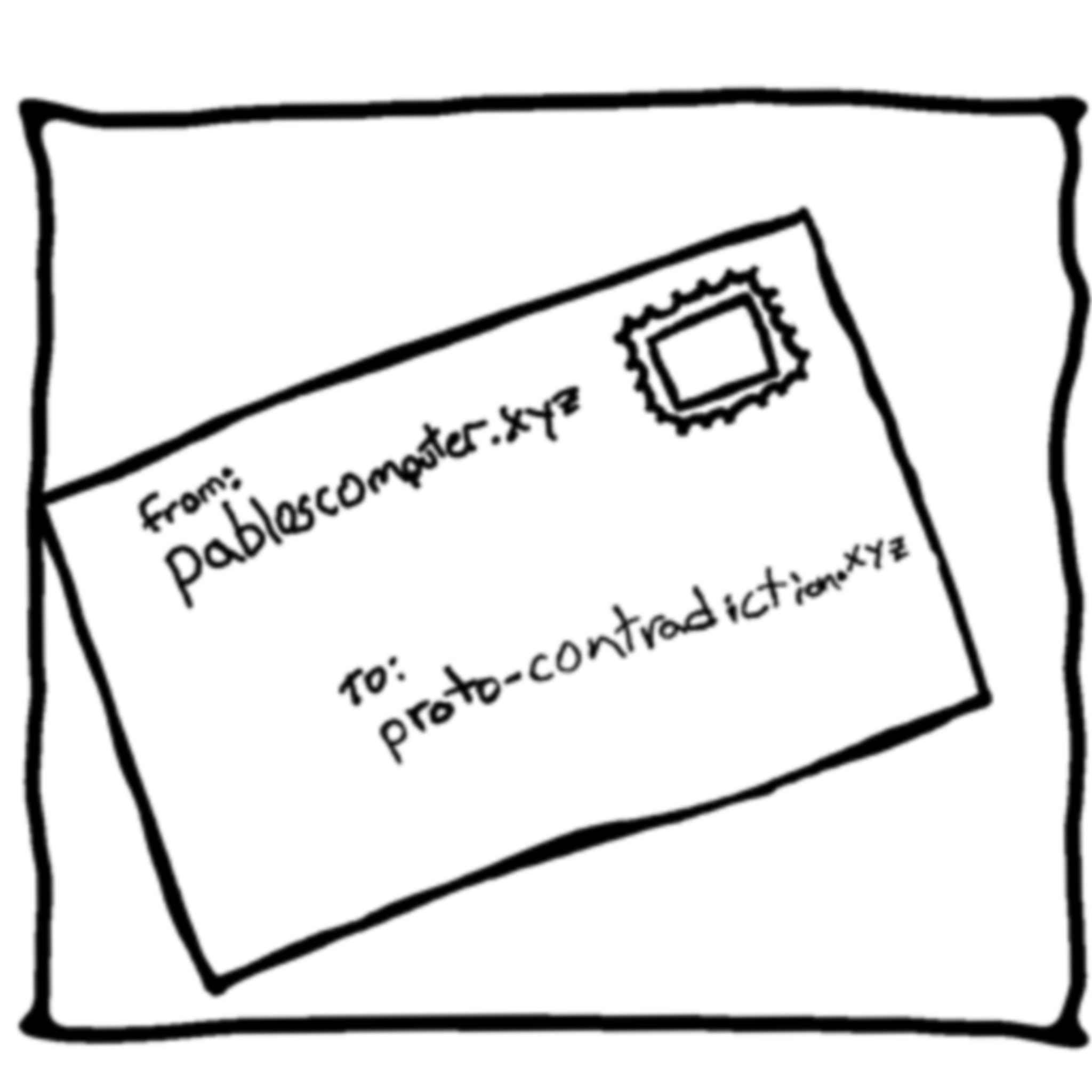
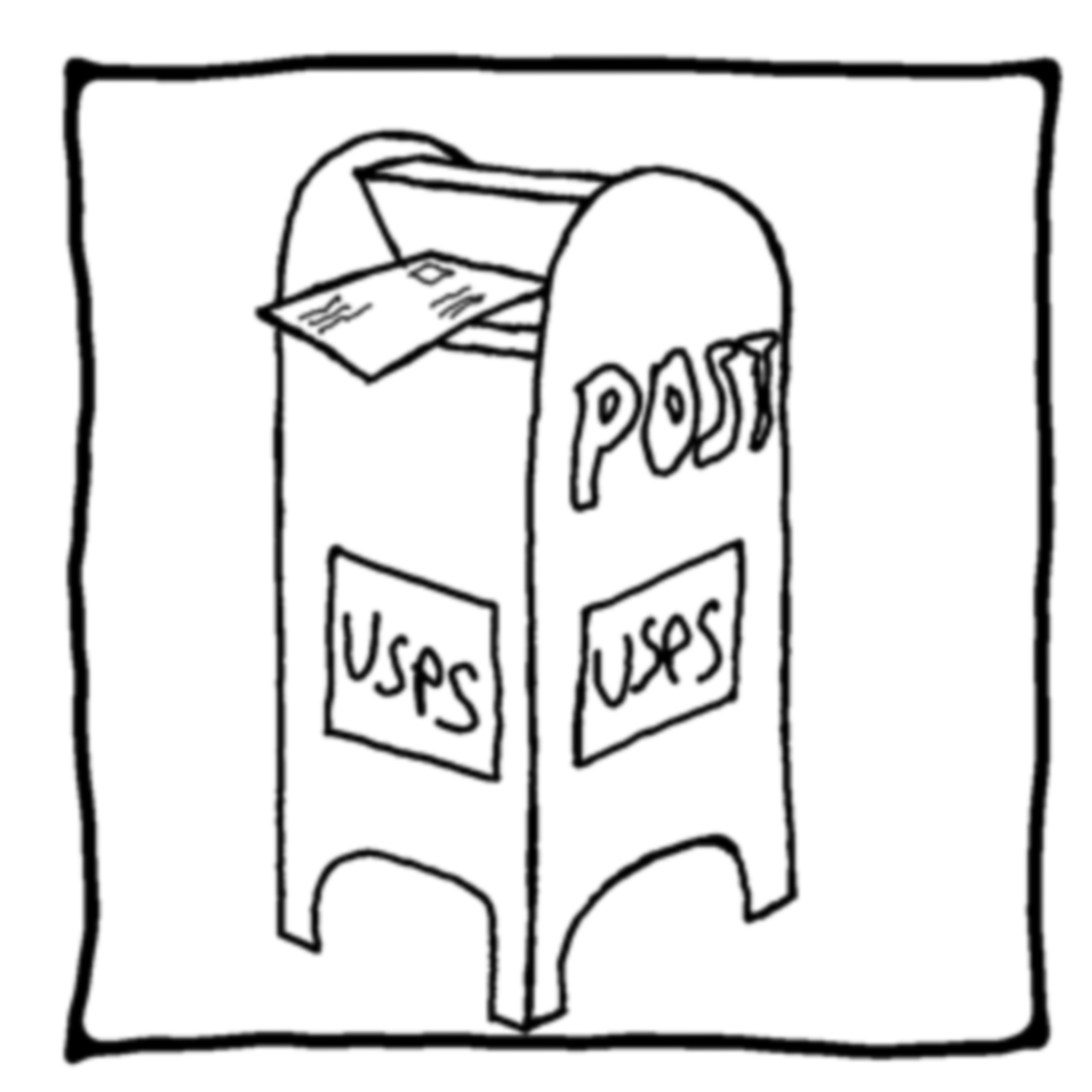
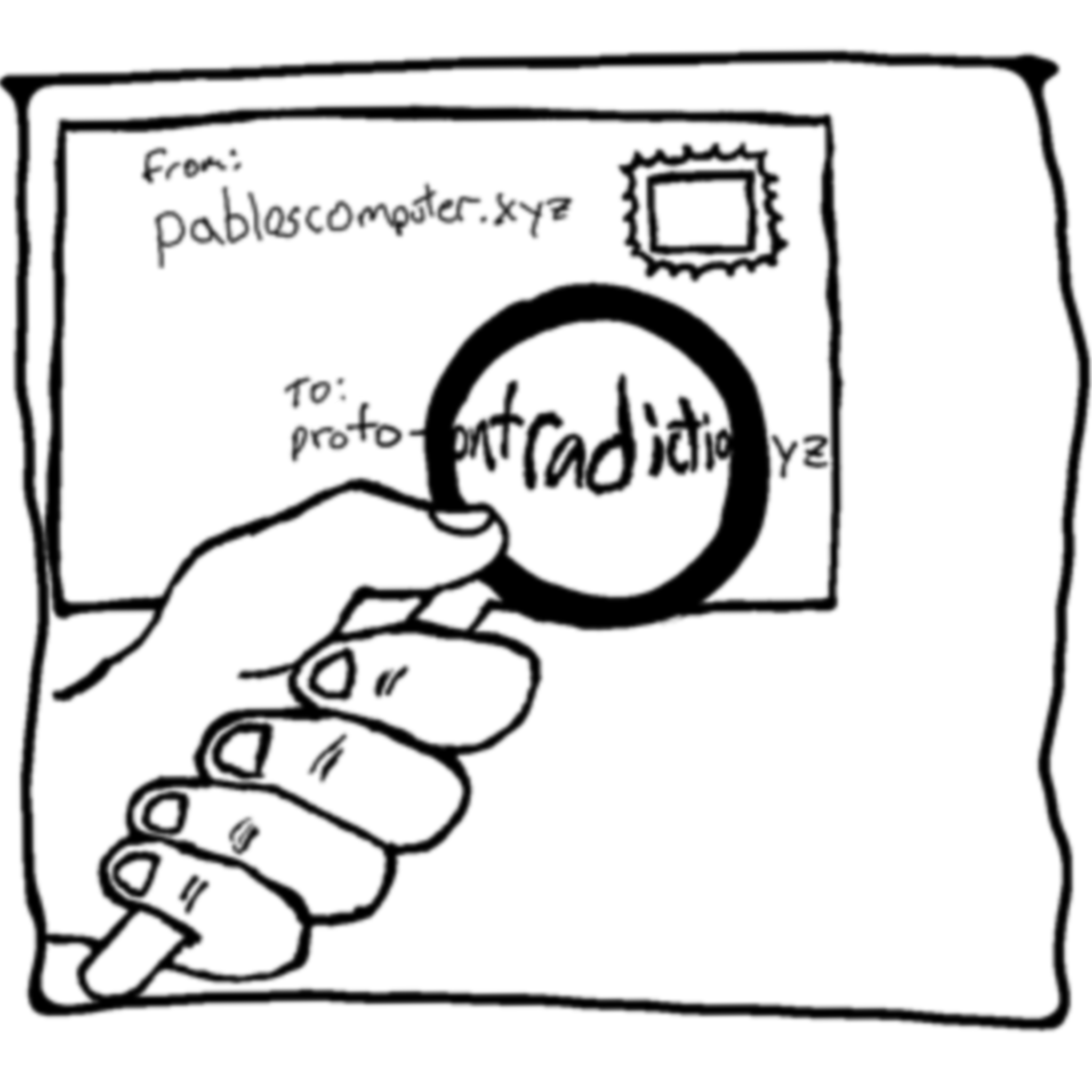
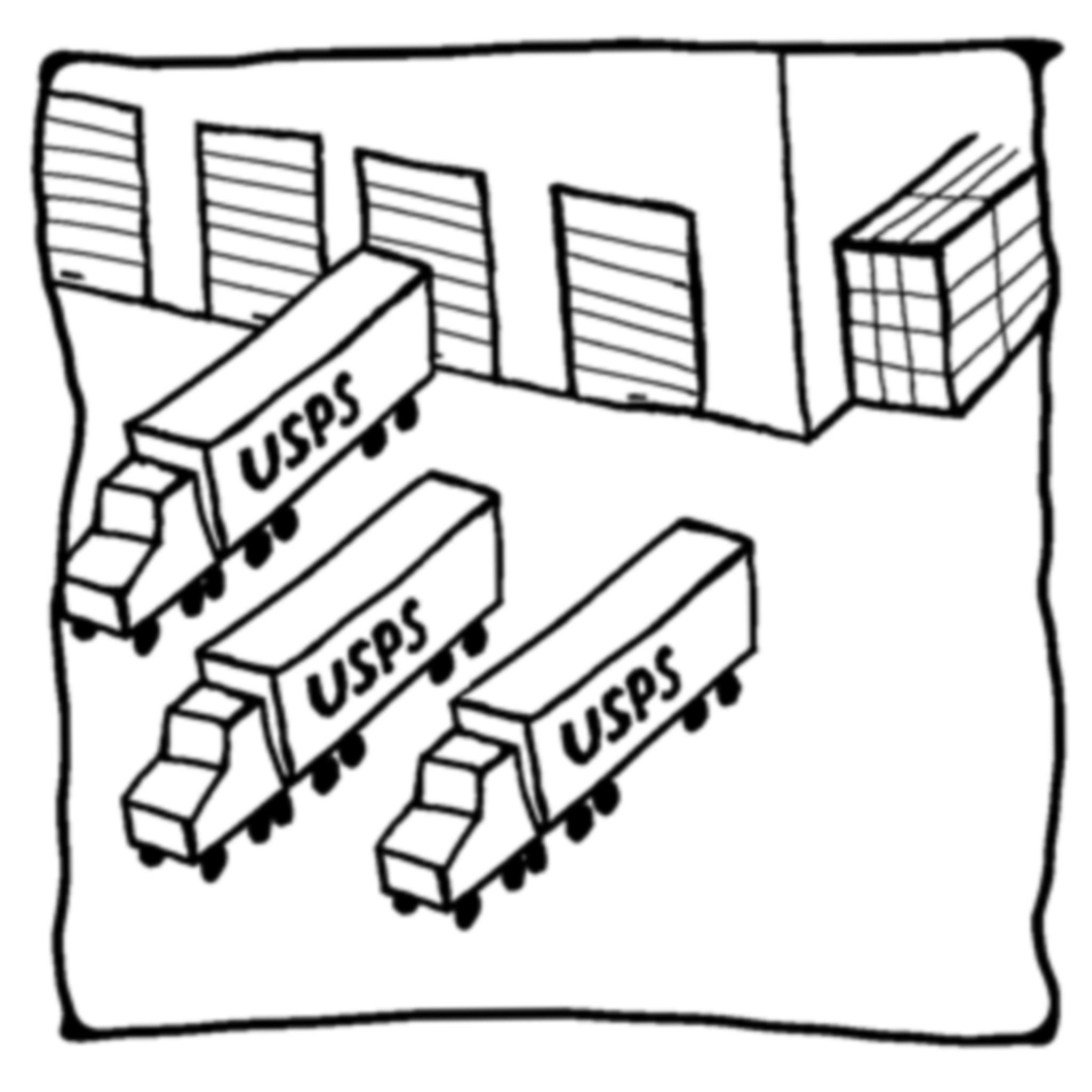


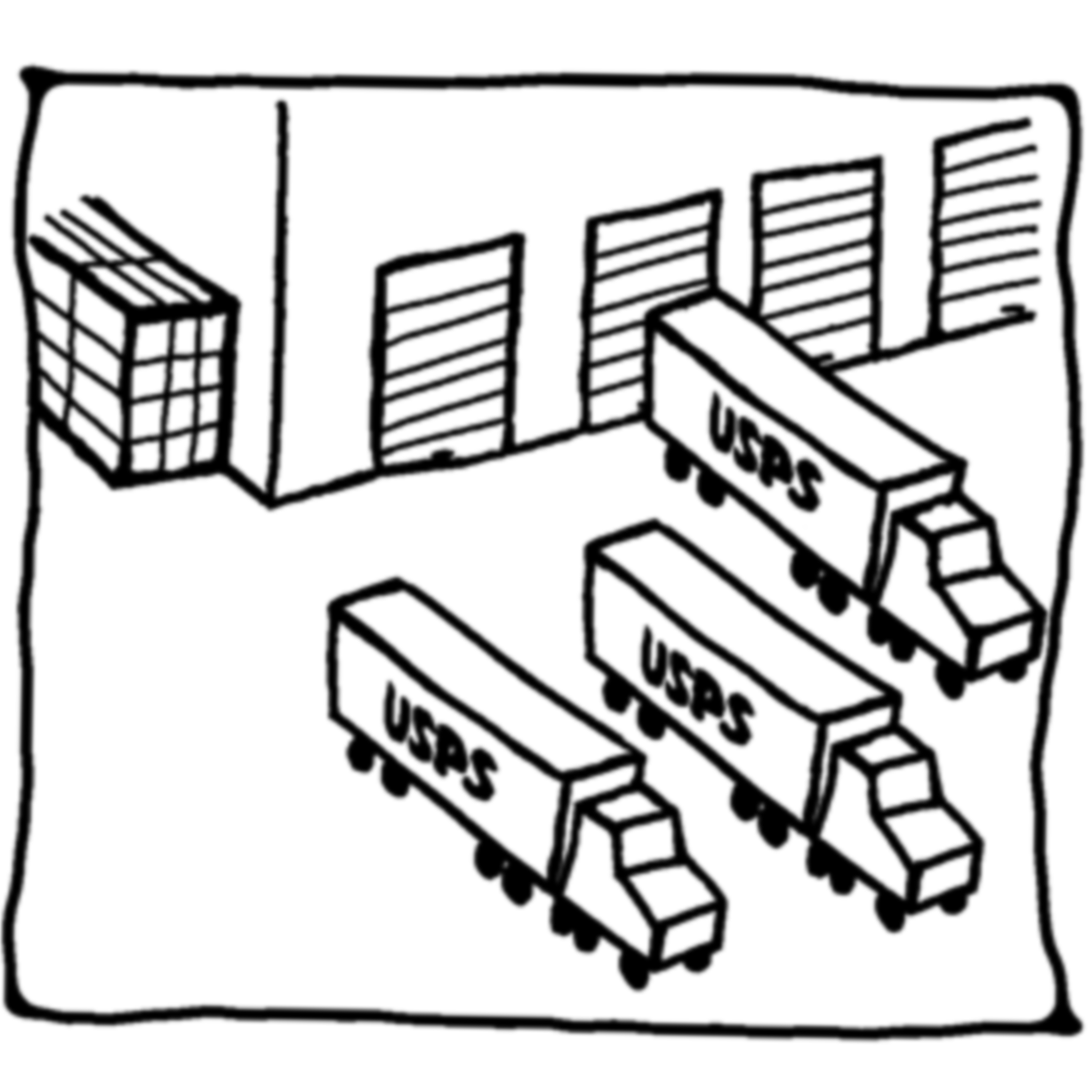
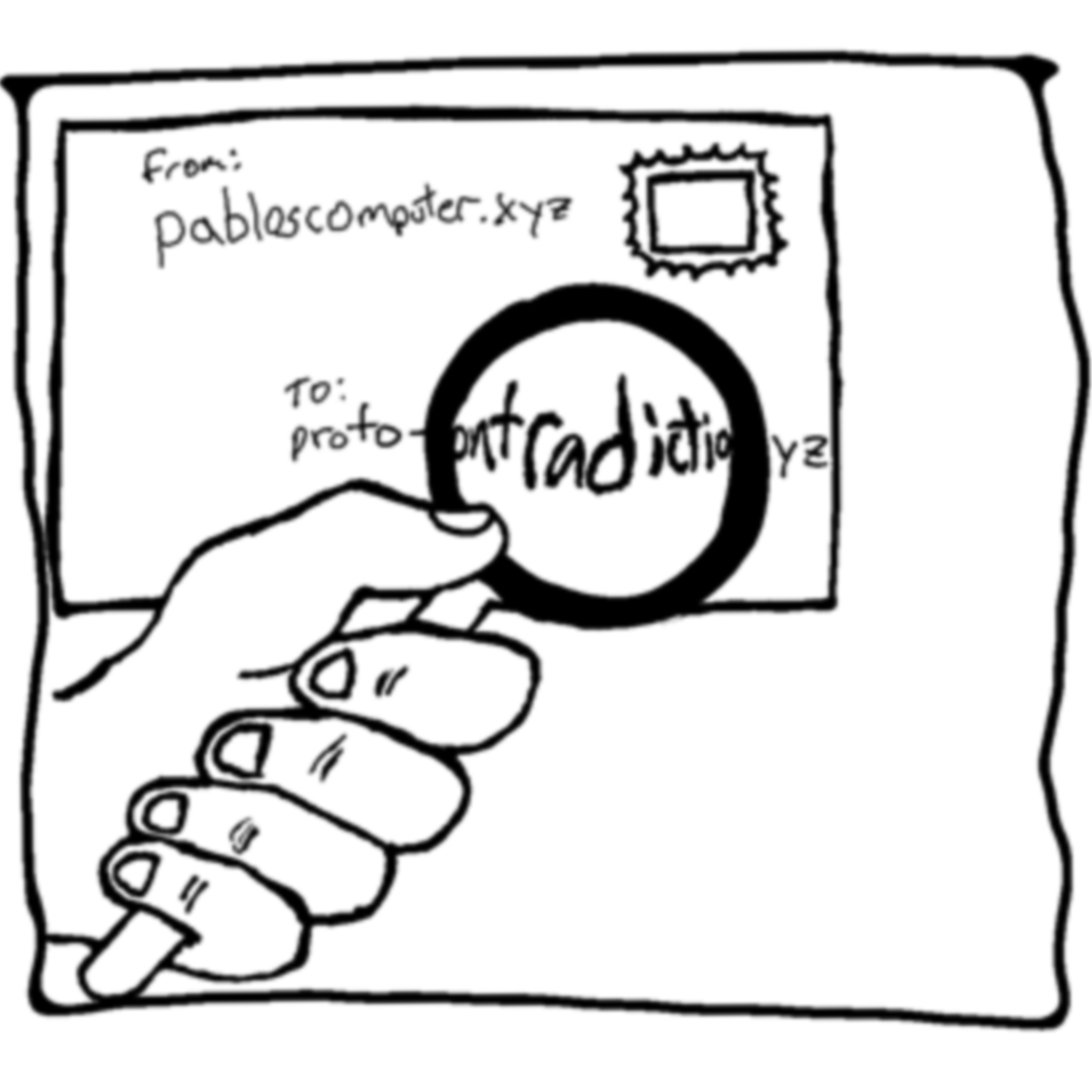
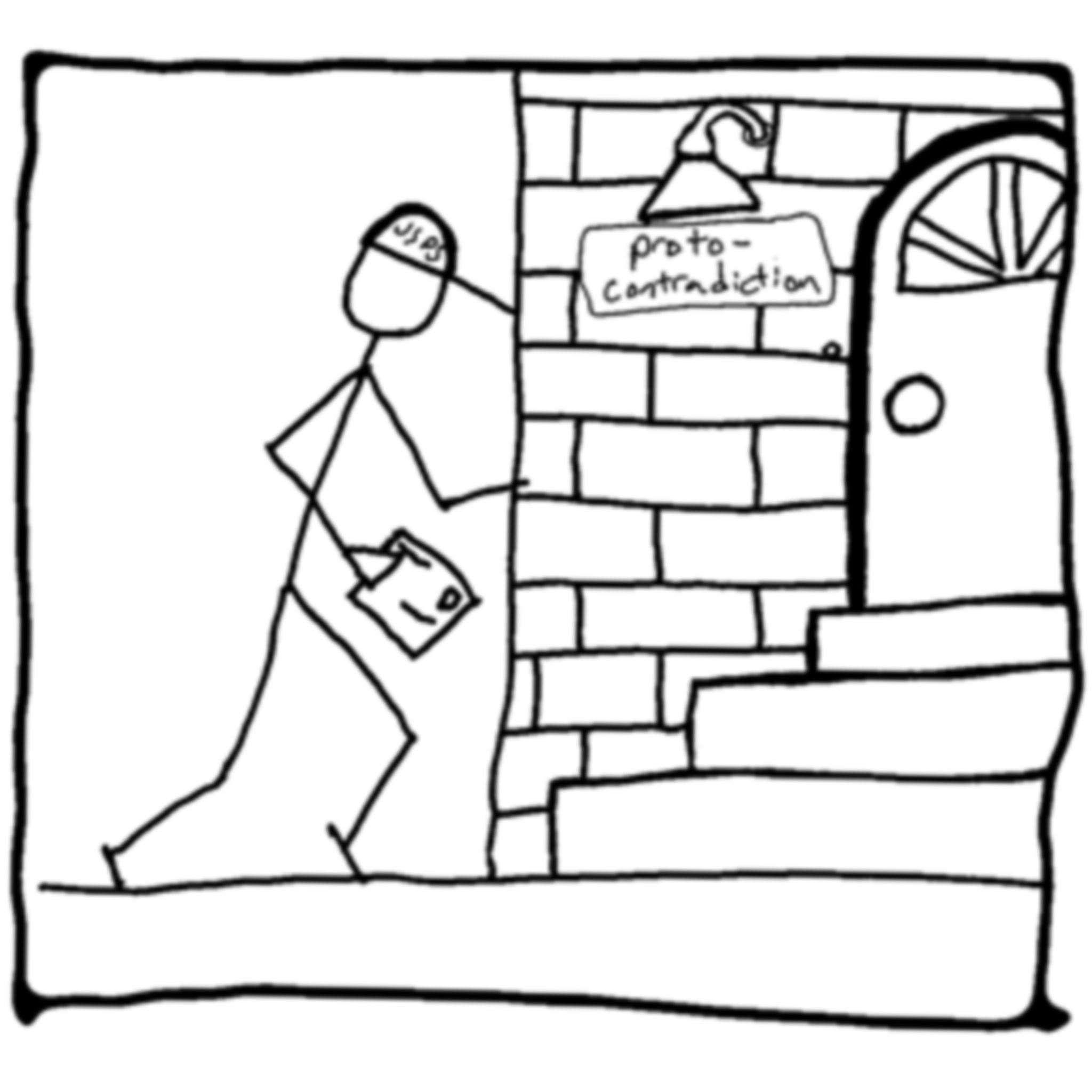

Just like a letter, a packet follows the same path, but instead of a mail system, computers talk to each other about destinations and how to get data from point A to point B. This is happening all the time.
In the illustrations above, you can see how many times your letter probably has to be scanned to understand where it goes to next. Your internet requests also have to be scanned so they can reach their destination. Each of the nodes or points where it's scanned will have knowledge about where the packet is coming from and where it is going.
For example, let's say you are using cell phone service provider A to send a message to a friend on cell phone service provider B, here are the people who would know who you are sending to and possibly what you are sending:
- ISP: Your cell phone has to connect to a cell phone tower or your home internet.
- DNS Server Owner: The URL addresses utilized to get things from point A to point B have to be reconciled to an IP Address (Internet Protocol). Those DNS servers will know where you might want to send something. We will cover what a DNS server is for later in this post.
- App Developer: Your messaging app has to probably process your message (the app's servers)
- Friends ISP: Your friends cell phone has to connect to the internet too so their ISP will have access to who that friend is receiving things from.
- App Developer: Your friend's app provider will have access (usually the same app, but let's assume one of you is using an iPhone and the other an Android).
- Corporations: And since we know companies collect a ton of data from you, both Apple and Google will know both addresses.
So you can start to see that your online footprint is everywhere. And all you wanted to do was send a meme.
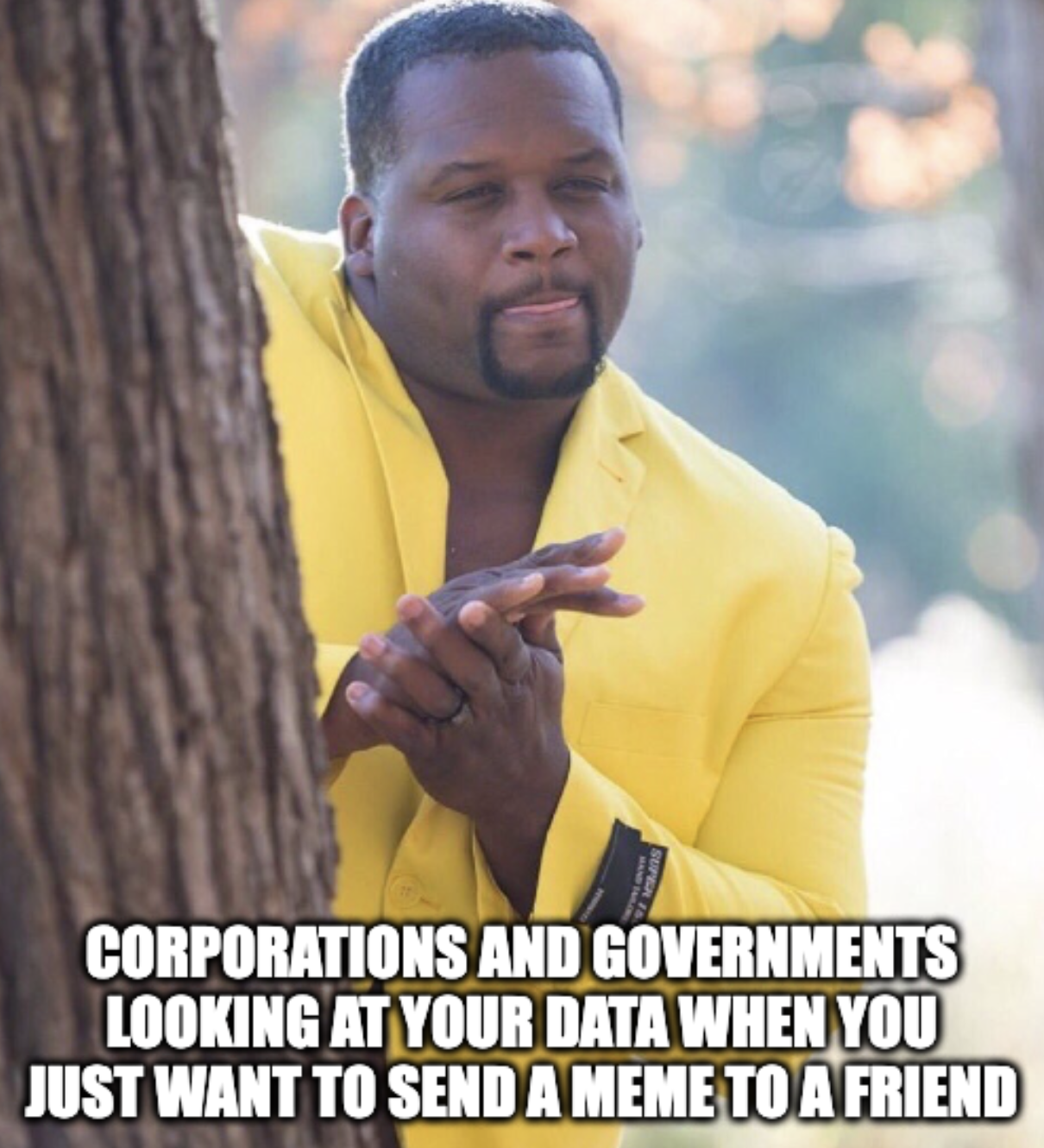
Hopefully, this section has made you a little more paranoid about your online activity. Whether you have anything to hide or not, you should not be snooped on 24/7.
In this next section, I'll talk about ways to protect your data/identity. I'll go from the easiest thing to do to the most complicated.
Enable HTTPS:
HTTP is a protocol for retrieving websites and displaying them on your browser. They come in plain text meaning anyone can see the website you are requesting if you use HTTP (i.e http://nl.proto-contradiction.xyz).
HTTPS is a protocol like HTTP but also makes it so your data is encrypted on the way to the website server. This means that no one other than you and the server hosting the website know the content you are viewing.
Most browsers warn you before you visit a non-HTTPS website. If not, be sure to check the settings of your browser to only enable HTTPS supported websites. Most reputable websites support HTTPS, so this shouldn't cause any harm. If you do need to visit an HTTP website, be confident in the URL you are trying to visit, and maybe even change HTTP to HTTPS first to see if that works.
Stop Using Single Sign-On:
Single sign-on is when you use Google or Facebook to log in to some app. It's super convenient, especially if you're using a Google Browser! So much integration makes it so easy and straightforward.
However, referencing our mail letter example, single sign-on means that Google or whatever company you use, knows what websites you log into, when and how often as well as any other information you or the company decide to share with Google (or any Single Sign-On provider).
The simplest thing to protect yourself from being tracked is to stop using single sign-on. Even if you are already using some Google products like Search and Gmail, you can still give them less information by not using single sign-on.
Choose A Privacy-Focused Browser (No More Chrome):
A browser is your entry into the internet. The most popular browser is Google Chrome:

But just like mentioned above the apps we use have access to our activity. So every search, click, bookmark, and virtually any interaction on your browser can be seen by Google, simply because they build it. Are they looking at everything? Who knows, but we don't want to take a chance that a company will do the right thing (they'll do the profitable thing).
The critical thing to understand is that the browser is your entry into the internet. Everything you do is done through the browser. Choosing the right browser is the first part, the second part is securing it.
Of the choices shown above Firefox is the best option. The main reason is that it provides a lot of additional functionality to further protect your identity. You probably want to go into the settings and go to privacy and security and choose to block as much so it doesn't disrupt your internet experience too much. Let Firefox block: cookies, tracking content, and finger-printers. Any browser that has these should have it enabled.
In addition, block all cookies, clear your history often, and try to limit how much you customize your browser.
And don't trust Private Mode on any browser.
Use End-To-End Encryption Whenever Possible:
Encryption is a hard concept, so I won't go over the details of how it works, if you are curious you can read the wikipedia page, but if that's too technical you can watch this YouTube video.
Encryption is a way for computers or phones to scramble all the data in a message such that the only way to unscramble it is if you have the key to do so.
End-to-End encryption is simply saying that the message is encrypted (scrambled) first then it is sent en route to its final destination and NOT decrypted (unscrambled) at any point until it reaches its destination. This works if only the two people or recipients have the keys. If anyone along the way has the keys, they can decrypt the message. Once it reaches the destination, if that person has the key to decrypt it, they'll be able to read the message otherwise no one will be able to read it.
Many messaging apps like Facebook Messenger, WhatsApp, and Messages on iPhone claim to have E2EE (end-to-end encryption). But they are big corporations and they value your data a lot. So I wouldn't trust them all that much.
The gold standard for end-to-end encrypted messaging is Signal. This is the most recommended app for communicating securely with others. Nothing is perfectly secure, but Signal is the best option that is most accessible.
Use A VPN:
A VPN, or Virtual Private Network, is like a PO Box. When you want to send a letter, your letter is routed through your PO Box, so the recipient won't know your address but can still reach you. A VPN routes all your traffic through servers distributed throughout the world. Not every VPN is created equal, though. Some that I recommend are Proton and Mulvad.
To set up a VPN, you probably just need to install an app on your laptop or phone and then enable it. It's pretty easy and doesn't require a ton of configuring. Your internet experience might be a little bit worse, but it's worth it.
Use A Private or Secure DNS Server:
A DNS (Domain Name System) server is like a global phonebook or your contacts app. You probably haven't memorized my phone number (shame on you!), so you rely on your contacts to look up my phone number when you need to call. When you want to visit a website like https://nl.proto-contradiction.xyz, your computer must first reconcile that to an IP address. It does that by contacting a DNS server and asking: what is the IP address for https://nl.proto-contradiction.xyz? The DNS server responds and says: here is the IP address: 165.232.153.109.
The question you should be asking at this point: Who runs the DNS Server?
Many large corporations run DNS servers. As you can imagine if a DNS server was not available, you'd have to have every IP address ever memorized or available in order to use the internet. So for the internet to function, DNS servers must be available. Google, CloudFlare, and other tech companies are amongst the biggest DNS server providers and many developers use them because they are reliable.
But, if you are asking Google for an IP Address, you can't exactly say: "Hey Google give me the IP address to youtube.com, I'm asking for a friend". The records will show you requested youtube.com.
You can actually have your own DNS server, and as long as your computer or device can reach it, no one other than you would know what information you're asking for with regard to URLs. This requires lot of general knowledge and getting deep into settings, so that's why it's the hardest to do.
Part 2 Final Thoughts:
Privacy and convenience are trade-offs on the internet. The more convenient something is, the likelihood that privacy is a concern increases.
Corporations try to reduce inconveniences as much as possible to reduce the friction for you (shopping, streaming, scrolling, account creation etc), but it comes at the expense of your data and privacy.
I hope this wasn't overwhelming. It's meant to give you a way to think about your data. Digital literacy is way behind and if more people understood how the internet works, I think they'd have more concerns
In the next part, I'll be discussing open-sourcing your life. What does this mean? It's a way to take back our data, and stop companies from monetizing us!
Proto-Contradiction Newsletter
Join the newsletter to receive the latest updates in your inbox.